A SHARED ALBUM
One photo can bring it all back.
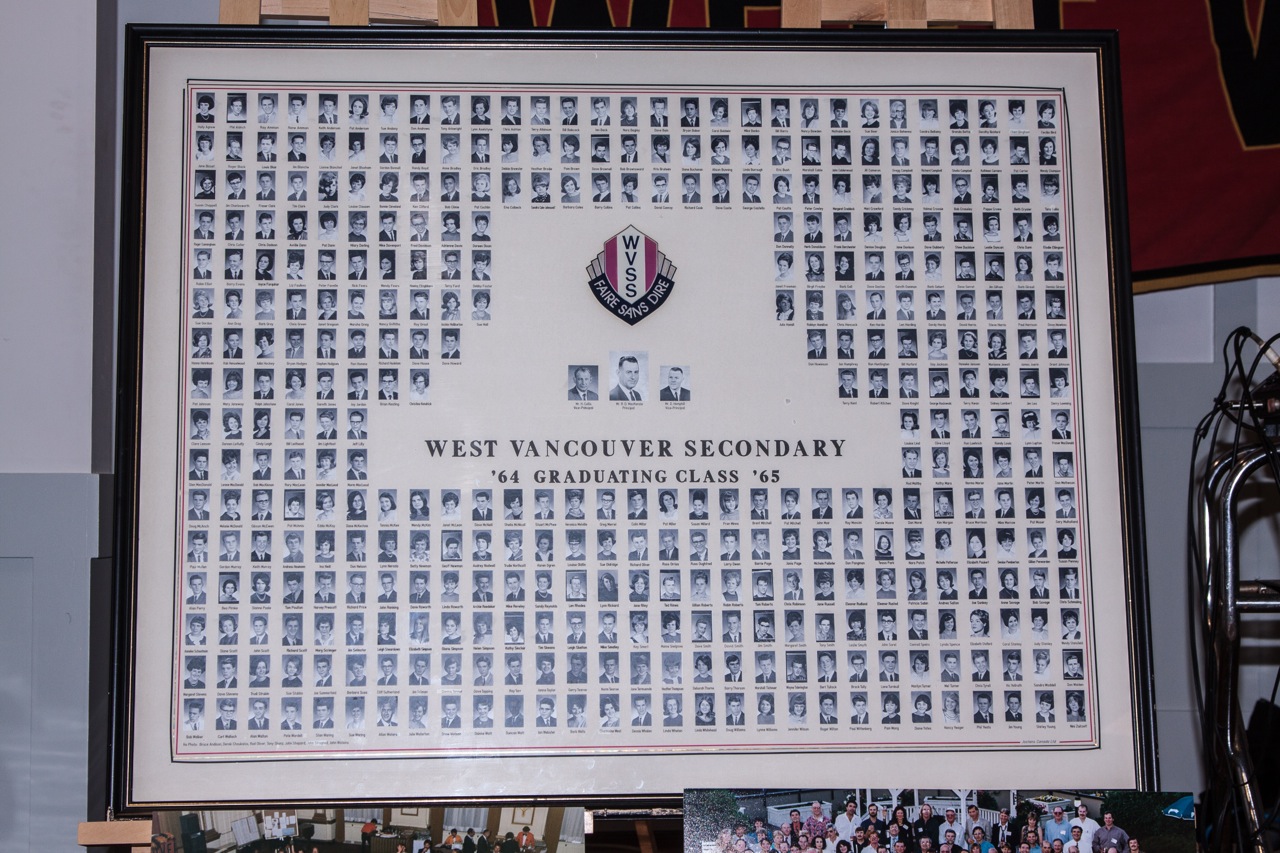


A shared 70th birthday · 2017










The class picnic · 2016







The 50th reunion · 2015








Photos shared by the WVSS Grad ’65 alumni archive ↗. Have a class picture or reunion photo to add? We’d love to see it.
NEED A HAND?
How to share a photo.
Choose a picture from your phone or computer. The committee will check it before it appears on the site.
On an iPhone or Android phone
- Tap “Start uploading a photo.”
- Enter your name, school, and a short caption.
- Tap “Choose a photo,” then select a picture from Photos or your gallery.
- Tick the permission box and tap “Send to the committee.”
On a computer
- Click “Start uploading a photo.”
- Enter your name, school, and a short caption.
- Click “Choose a photo” and select the picture file on your computer.
- Tick the permission box and click “Send to the committee.”
Use a JPG, PNG, or WebP image under 8 MB. If a phone photo will not upload, save or export a JPG copy and try that. Please send only photos you have permission to share.